- Follow-ups
- CRM
CRM with WhatsApp: simple customer follow-up
What does a CRM with WhatsApp mean, and which kind do you need? A simple way to follow up customers on WhatsApp without losing track of who is waiting.
Published: · 5 min read
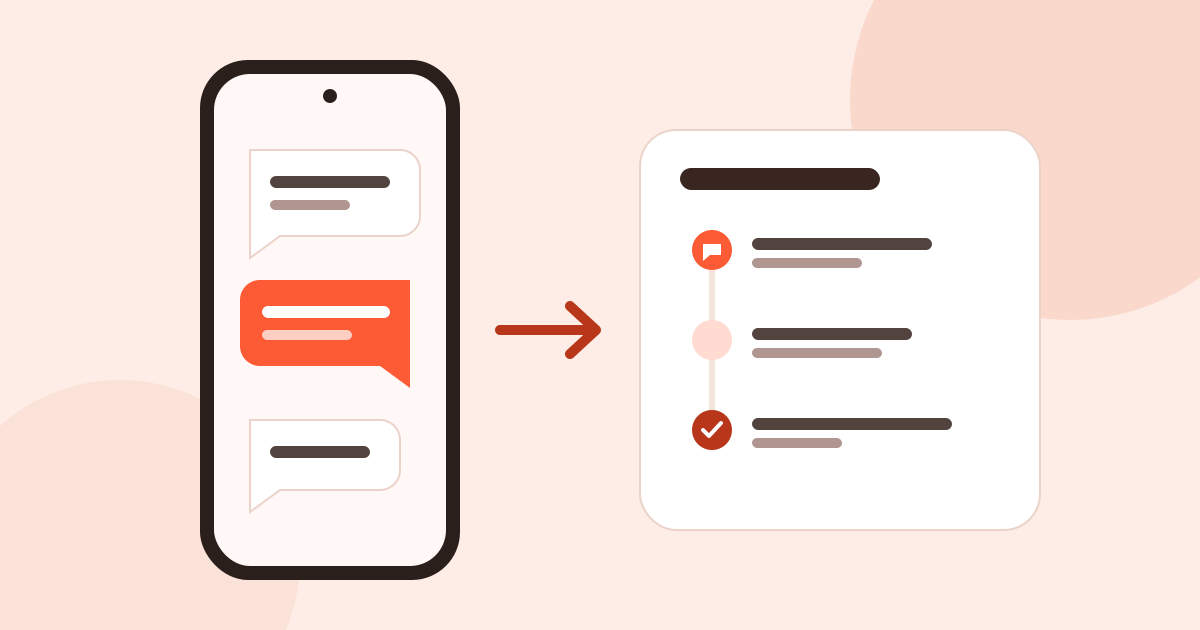
If you talk to customers on WhatsApp, you know the convenience has a price: business conversations get mixed in with personal chats, you scroll up to find what you promised whom, and the people who never replied are forgotten. That is where the question of a CRM with WhatsApp comes up. This post explains that two different things go by the same name, which one suits whom, and a simple way to follow up customers without losing track.
What is a CRM with WhatsApp
“CRM with WhatsApp” is used for two separate things:
- A CRM connected to the WhatsApp API. It works through Meta’s WhatsApp Business Platform (whatsappbusiness.com). Meta presents it as enterprise-level WhatsApp APIs and lists partners to set it up. In this kind of CRM the messages show up inside the CRM, several agents can write from the same number, and automated messages and bulk campaigns can be sent.
- A customer book that opens WhatsApp. The customer record has a WhatsApp button; tap it and WhatsApp on your phone opens with that person. You write the message and you send it. The CRM only keeps who you talked to, when, and what the next step is.
The first is a team and automation tool. The second is one person’s memory.
Which one suits whom
A CRM connected to the WhatsApp API makes sense when:
- several people write to customers from the same business number,
- hundreds of messages arrive every day and you need automatic replies,
- templated messages such as order notifications and appointment reminders go out in bulk.
A customer book that opens WhatsApp is enough when:
- you write to customers from your own phone and your own number,
- most messages are one-to-one and personal (“I sent the price list”, “Can I drop by Thursday?”),
- the real problem is not sending messages but remembering whom to write to and who has not replied.
Most people who sell face to face, at fairs, in the field or in a shop, are in the second group.
Why WhatsApp customer follow-up breaks
WhatsApp is a chat app, not a customer list. That makes three things hard:
- Who is waiting? The chat list is sorted by the last message. A customer who did not reply two weeks ago sinks to the bottom and becomes invisible.
- What did we talk about? What you said to a customer by phone, in person and on WhatsApp lives in different places. The WhatsApp part stays inside the chat.
- Who is who? Someone saved as “Ahmed Fair” in your contacts: which company was it, which fair, what did they ask for?
Starred messages, pinned chats and the labels in the WhatsApp Business app help a little, but none of them reminds you to get back to this person on a given day.
A simple routine
You do not need a big system to follow up customers on WhatsApp. This routine is enough:
- One record per customer. Company, contact person, phone. The WhatsApp chat opens from this record, not from your phone contacts.
- One note per important message. You gave a price, promised samples, took an order: a one-sentence note.
- One follow-up per message waiting for an answer. “Back to the quote: in 3 days”. A reminder comes when it is due; if the reply came, you close the follow-up, and if not, you write again.
- Ready-made texts. Keep the messages you write often (a thank-you, a reminder, a price list) somewhere. We collected examples for after a fair in the trade show follow up email template post; the WhatsApp versions are there too.
This routine has another benefit: the customer’s history stays with you. If you change phones or delete a chat by mistake, your notes and follow-ups stay on the customer record. First thing in the morning you look at the follow-up list; you open WhatsApp only when you are about to write to someone.
How WhatsApp works in Musteri
Musteri is the second kind: a customer book that opens WhatsApp.
- A chat in one tap. Tap WhatsApp on a contact’s page and WhatsApp on your phone opens with that number. For this it uses WhatsApp’s public chat link (wa.me); you do not need to save the number in your contacts. Turkish numbers in the 05xx format are corrected with the country code.
- The contact is logged. When you open WhatsApp from Musteri, a WhatsApp contact is added to the timeline. Calls, e-mails, notes, visits and the fair where you met sit in the same place.
- The follow-up is reminded. For every message you are waiting on, you set a follow-up; when it is due, a reminder arrives on your phone, widget or watch.
- People from fairs are ready. For everyone you save in Fair Mode, a follow-up is set automatically; after the fair, whom to write to is on the list.
What Musteri does not do
To be clear: Musteri is not connected to the WhatsApp Business API. It does not read your messages, pull them into the app, or send anything for you; there are no automatic messages or bulk sends. You always write the message and you send it in WhatsApp. Musteri only opens the chat with the right person and logs the contact.
That may look like a gap, but for one-person selling it is useful: there is no integration to set up and no tool in the middle, and customers talk to you on your usual number.
In short
- A CRM with WhatsApp means two things: a team tool connected to the API, or a customer book that opens WhatsApp.
- If you write one-to-one from your own number, the second is enough.
- The real work is not forgetting the people who are waiting: a note and a follow-up for every important message.
Musteri is free: unlimited customers, contacts and follow-ups, and you do not have to create an account. Details are on the pricing page. For the timing of follow-ups, see Following up after a trade fair.