- Fair Mode
- Trade fairs
- Speed
Saving a customer at a trade fair stand in 10 seconds
Why capture at the stand has to be short, how exhibitors collect contacts today, and how Fair Mode finishes a capture in two actions after you take the card; with sources.
Published: · 3 min read
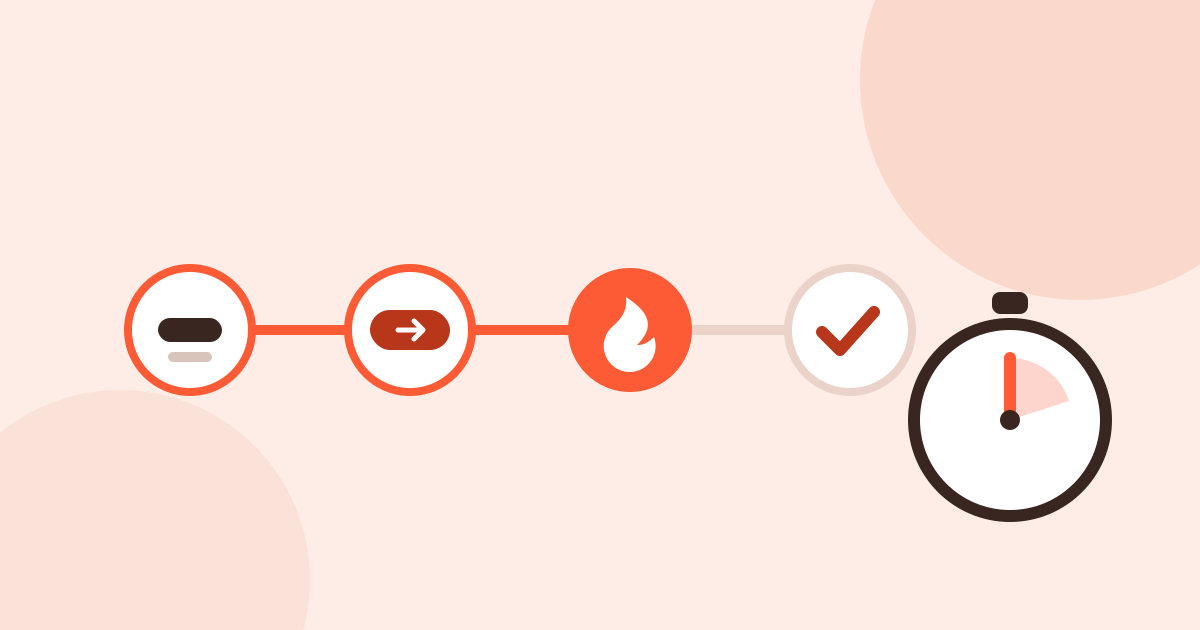
A conversation at the stand is usually short, and someone is waiting behind. The longer a capture takes, the more business cards go into a pocket and stay there for “later”. That is why we designed Fair Mode around one goal: a capture done within ten seconds of taking the card.
How contacts are collected today
CEIR lists five ways exhibitors capture leads: collecting business cards, paper lead forms, renting the show’s lead retrieval system, renting and customising it, or owning a universal system (CEIR Industry Insight, 2019).
What happens next is not always measured either. In an AUMA survey of 404 German exhibiting companies, about 20% judge a fair by visitor counts, especially where no structured lead tracking exists, and about 10% measure nothing systematically (AUMA-Aussteller-Ausblick 2026/2027).
When capture fails
Reading the store reviews of mobile apps, we found few fair-related complaints, but severe ones:
- A user of a trade show app writes that they had so many problems capturing leads that they missed 75% of them (Cvent iCapture, App Store US, May 2025, reviews).
- Another describes contacts added at a conference that were gone afterwards (HiHello, Google Play, August 2025, review).
- A frequent complaint about card scanners is that fixing the errors takes longer than typing from scratch (ABBYY BCR, App Store US, November 2025, reviews), and that Turkish cards are not read properly (Zoho Card Scanner, Google Play, December 2024, review).
Speed matters after the capture too: according to EXHIBITOR Magazine’s 2015 survey, only 22% of exhibitors respond to leads within 24–48 hours (ExhibitorOnline). Setting the follow-up while you capture at the stand closes that gap.
The ten-second path
Once the capture is open, the shortest path is two actions:
- Type the name. A person or a company; either is enough.
- Save now. The record, the encounter linked to the fair and the follow-up are ready; the interest is warm and the follow-up is in three days.
To mark the interest too, it is four actions: type the name → Continue → Hot → Save now. If you would rather fill in a capture on one screen than in short steps, turn off Settings → Step-by-step entry; the same fields come as a single form.
You open the capture from the home screen widget, the Quick Settings tile on Android, Control Center on iPhone, or the app. When you scan a business card or a QR code, the capture opens filled in, straight on the summary; if the card was read correctly, one tap on Save is enough.
Why it works
- A few related fields per step. Only the name is required. Company, phone and e-mail are optional; Continue if you have time, Skip if you do not.
- The follow-up sets itself. The next day for hot, three days for warm, a week for cold.
- No internet needed. Reading, matching and saving happen on the phone; a hall with no signal does not matter.
- The fair is already there. The 769 domestic fairs in the TOBB trade fair calendar for 2026 and 2027 are listed.
All of Fair Mode, with live progress and the watches, is on the Fair Mode page.