- CRM
- Customer tracking
- Sales
What is a CRM for small business? A plain answer
What is a CRM for small business? For one person selling face to face: a customer book, a history and a reminder. A simple CRM without a pipeline.
Published: · 5 min read
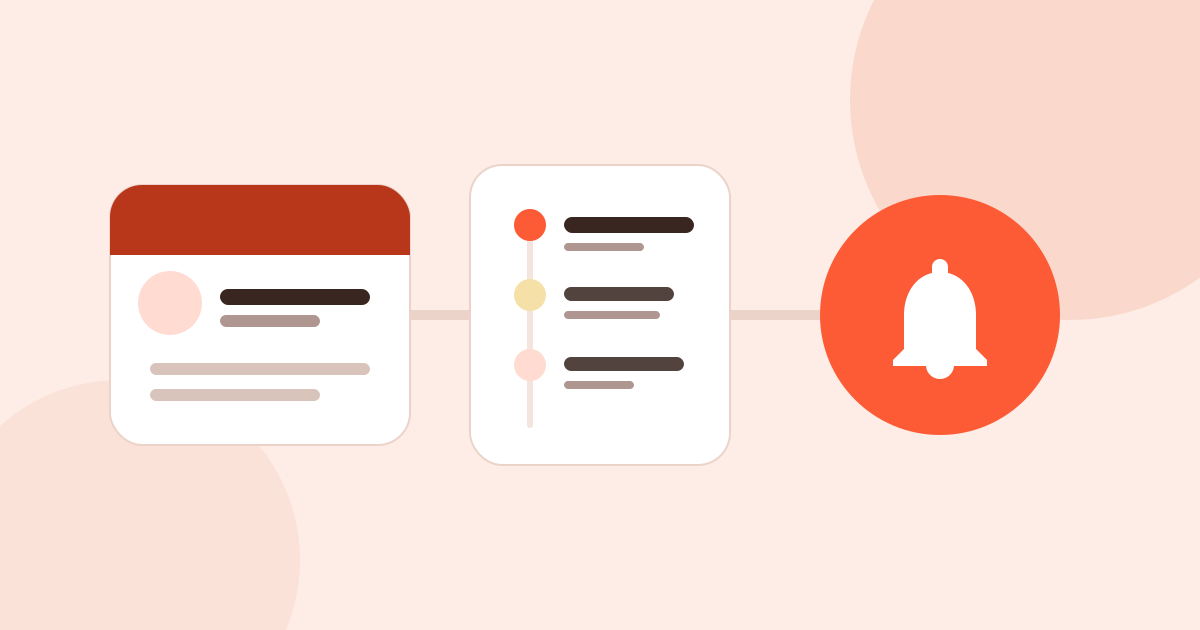
Ask “what is a CRM for small business” and the answer usually starts with sales teams, funnels and reports. For someone who sells alone, a CRM is much simpler: a book of your customers, a history of what happened with each of them, and a reminder that tells you who to get back to and when. This post explains CRM through those three parts.
What is a CRM
CRM stands for customer relationship management. As a word for a type of software, it means a program that keeps customer details, the conversations you had and the next steps in one place.
In big companies a CRM also lets a sales team see which offer is at which stage, lets a manager pull reports and lets marketing send bulk email. These can be part of a CRM, but they are not its core. The core is not forgetting a customer.
What a CRM does: three parts
1. A customer book
You cannot get back to someone you cannot identify. The book holds the company, the people at the company, phone numbers, emails and addresses. Information that business cards, your phone book and your notebook keep scattered is in one place.
2. A history
The answer to “what did we talk about last time?” Every call, visit, message and note sits under the customer in date order. When you call six months later, you remember the sample you promised, the price they asked for or the fair where you met.
3. A reminder
The book and the history tell you who to contact; the reminder tells you when. Even an interested customer ends up working with someone else if you do not get back to them. We collected sourced numbers on follow-up after fairs in following up after a trade fair.
If you have these three, you have a customer tracking system, whether you call it a CRM or not.
Do you need a sales pipeline
Big CRM programs split selling into stages: lead, conversation, quote, won. That is very valuable where a team of ten runs hundreds of quotes at once and needs to see who is waiting for what.
If you sell alone, three questions are usually enough:
- Who is this customer, and which company are they with?
- What did we last talk about, and what did I promise?
- When will I get back to them next?
A simple CRM for small business that answers these takes less time than filling in stages and reports you never use. A program that asks for long data entry every day stops being opened after a while.
How to use a CRM
Whichever program you pick, the habits that work are the same:
- Open the record when you meet the customer. A card left for the evening often stays in your pocket. A name and a company are enough; you finish the rest later.
- Note every contact in one sentence. “Called, asked for the price list.” No long report.
- Set the next date after every contact. A follow-up without a date is not a follow-up.
- Look at today’s list in the morning. Let reminders find you; do not hunt for the list.
- Clean up once a month. Mark lost or inactive customers so the list stays current.
You can do these five steps in a spreadsheet too; we explain how to set one up in how to keep track of customers in Excel. Where a sheet struggles is opening a record in the field and getting reminders on their own.
When do you need a CRM
There is no customer count at which you need a CRM. If two or three of these are true for you, it is time:
- When you call a customer, you do not remember what you last talked about.
- After a fair, business cards sit on your desk for weeks.
- You only remember the people you meant to call when they call you.
- The same customer’s details are in your phone book, in WhatsApp and in a spreadsheet, separately.
What a personal CRM app looks like in Musteri
Musteri puts these three parts on your phone, for people who sell face to face.
- The book: companies and their addresses, such as head office, branch and warehouse, and the people at them. Several phones and emails, title and department. You can save a person before their company is known. Every customer has a status: lead, prospect, active, inactive or lost.
- The history: notes, calls, meetings, visits and fairs on the customer’s timeline, in order. When you reach someone from the app by WhatsApp, call, email or SMS, the contact is added to the timeline by itself.
- The reminder: follow-ups arrive when due as a notification on your phone, widget and watch; you mark them done or snooze them. No internet is needed.
Adding a record is quick: scan a business card, read a QR code or just type a name. At a fair, Fair Mode links every record to the fair and plans the follow-up for you. See the Fair Mode page.
What Musteri does not have
To be clear: Musteri has no sales pipeline, quote stages, team management or bulk email. It is for personal use for now; teams and shared workspaces are one of the next steps. If you run a large sales team, a CRM that offers these features will suit you better.
If you sell alone or in a small business, Musteri starts free: customers, contacts and follow-ups are unlimited, and export is free. What free covers is in free CRM app: what free should really include and on the pricing page.
In short
- CRM is customer relationship management; at its core it means not forgetting a customer.
- For one-person selling, three parts are enough: a book, a history and a reminder.
- A sales pipeline is valuable for teams and often dead weight for a person selling alone.
- A good CRM habit: open the record at once, and set a date after every contact.